Working Remotely from Koh Yao Noi: Internet, Wi-Fi and What to Expect
Koh Yao Noi is not a digital-nomad island. There is no co-working space that this guide can point to, no café chain built around laptops, and no promise of a fixed connection speed anywhere on the island. What there is: mobile data that generally works around the inhabited parts of the island, Wi-Fi in some accommodation and some cafés, and a working day that has to fit around heat, rain and the ordinary life of a Muslim village in southern Thailand.
That is enough for many people to answer email, join calls and finish a project. It is not enough to assume.
Is Koh Yao Noi a realistic place to work from?
For a short stay, and for work that tolerates interruption, yes — with conditions. The island is small and low-rise, and the practical centre is the main village, Baan Tha Khai, with Baan Yai next to it.
The difficulty is not the existence of a network. It is variability. A reading taken at one point does not describe the next one, and the same place can perform differently in the morning and in the evening. Two questions decide most of it: where will you sleep, and does your work survive a bad hour? A usable connection at your accommodation and slack in your day make remote work here ordinary. A dropped call that costs you a client does not.
What has actually been measured
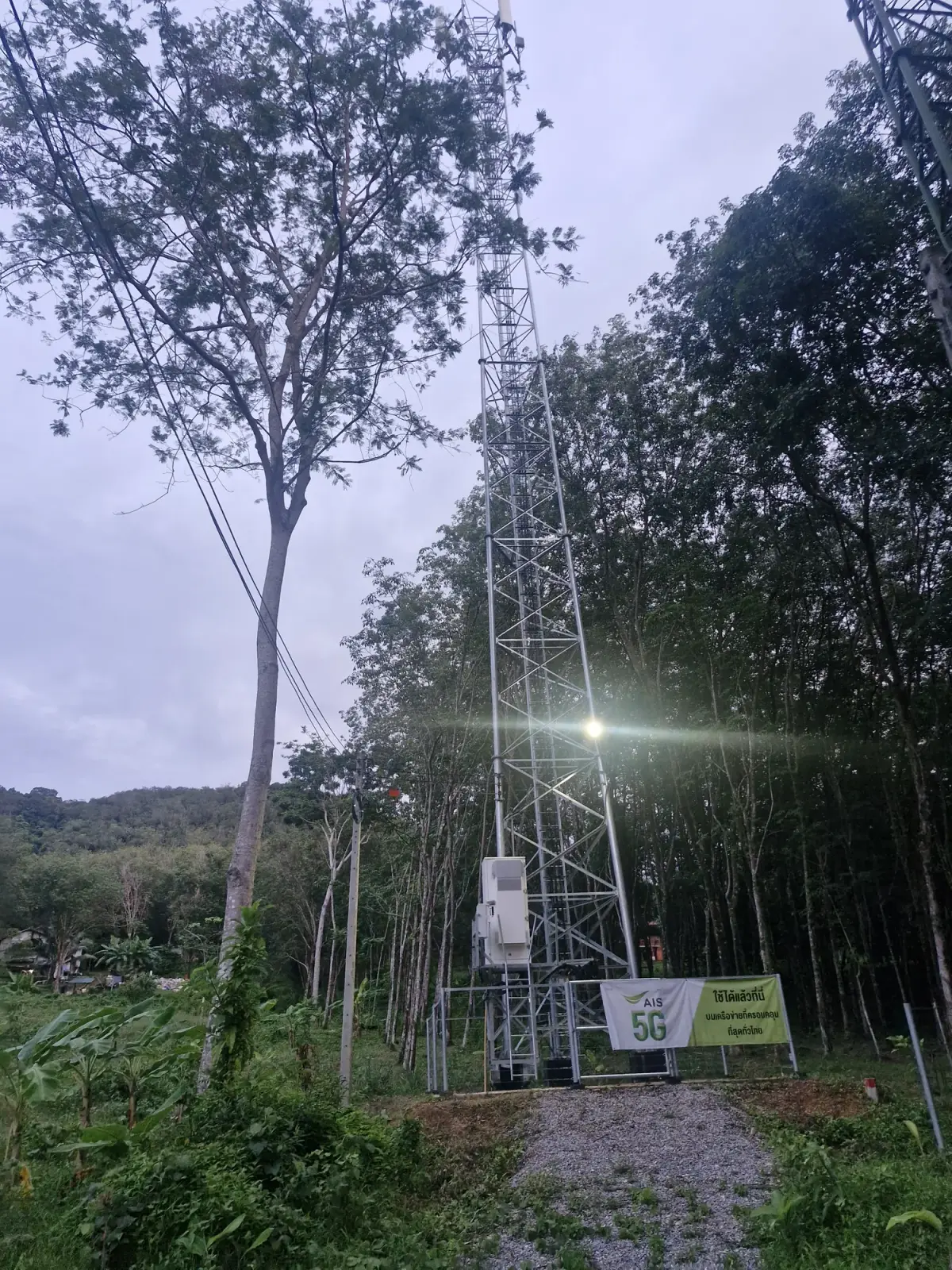
Our own field tests recorded seven readings around the island. Six of them, taken on 16 and 17 June 2026, were measured on 5G; the seventh, in the main village, carries no network generation in our notes. Download figures ranged from about 18 Mbit/s at Tha Khao Pier to about 121 Mbit/s in the main village; the rice fields, Long Beach, Six Senses, Cape Kudu and Paradise sat between those two.
Read that carefully. It is a set of snapshots, not a coverage map: a handful of points, two days in June, nothing about what your phone will receive inside a bungalow or behind a hill. We have no equivalent measurement on 4G, and a stable 4G connection can easily be more useful than an unstable 5G one. The network symbol does not tell you how responsive the connection will feel.
Local experience adds one nuance: True and dtac have been reported as less reliable at Pasai Beach, with no specific observation for AIS there. Treat that as local experience rather than a ranking. Coverage is generally good around inhabited areas, weaker in forested or isolated places, and variable inside buildings and along access roads.
Mobile data, SIM cards and eSIM
A physical Thai SIM can be bought at a 7-Eleven in the main village. Stock, operators, plans and registration requirements vary, and you need your passport for registration. The mobile data and eSIM guide covers the practical sequence in detail, including how to check that your phone is compatible and what to do if an eSIM will not activate.
For work, three habits matter more than the plan you choose:
- Install an eSIM before you travel, while you still have a reliable connection at home. Do not rely on a ferry, a pier or a first-night arrival to sort it out.
- Keep your usual line active for calls and verification codes, and choose deliberately which line carries mobile data.
- Download what you need offline: maps, your accommodation details, tickets, documents and the first day of work you can do without a connection.
If something goes wrong with the handset, there are repair points in the village and at Pasai. A complex repair or one that needs a specific part may have to be handled off the island, so do not plan on a same-day fix.
Wi-Fi: accommodation, cafés and everything else
Wi-Fi may be available at your accommodation and in some cafés, with a quality that varies by place and time. That sentence is deliberately cautious, because it is the accurate one: this guide does not publish a list of “laptop-friendly” addresses, and it does not repeat Wi-Fi speeds reported by properties, which we cannot verify.
What you can do is remove the guesswork before booking. Ask your accommodation in writing: is the connection wired or Wi-Fi, does it reach the room you are booking, and what happens during a power cut? Getting those answers in writing before you book is the only reliable test.
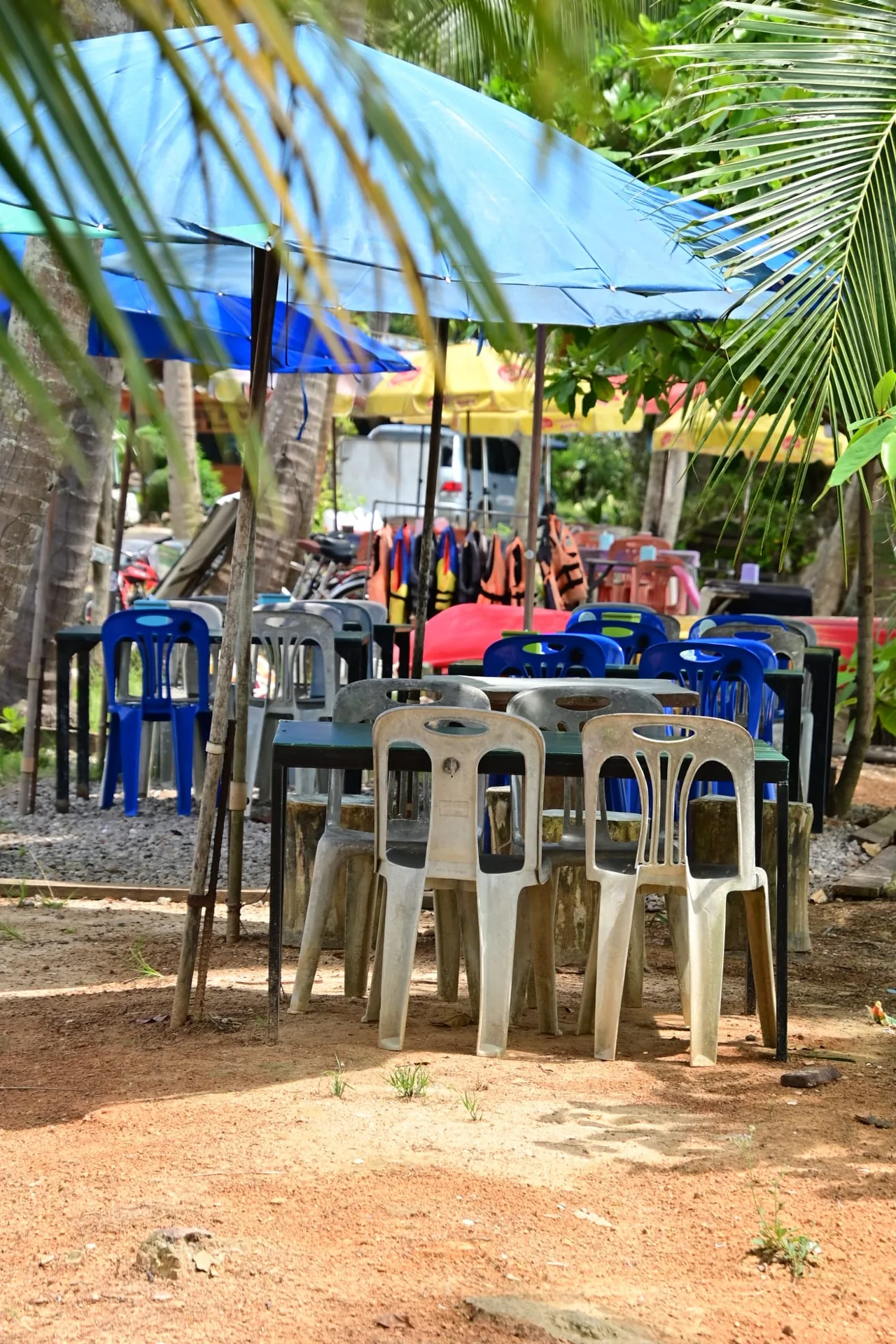
Cafés are not offices. Tables are limited, and one occupied for three hours is a table lost for lunch. If you work from a café, order regularly, avoid the busiest hours, keep calls short and use headphones. There is no co-working space documented on this island, so do not arrive expecting a desk, a monitor or a meeting room.
Matching the connection to the work you do
Most remote work is not one activity. Sort yours into three piles before you decide how much risk you can carry:
- Tolerant work — writing, reading, code that runs locally, anything that syncs later. This is what island connections handle best.
- Sensitive work — video calls, screen sharing, live support, teaching. This is where variability hurts, and latency matters as much as speed.
- Heavy work — large uploads, video editing, backups, remote desktop. Do these when you are on the best connection you have found, not on the day you arrive.
For sensitive and heavy work, build the day around the connection rather than the reverse: do the demanding hour early, keep a second option (another network, a hotspot, another room), and never schedule a call in the twenty minutes before you have to leave for a boat.
Electricity, heat and the working day
Thailand’s national supply is 220 V at 50 Hz, with type A, B and C sockets; that is general information for the country, not something this guide re-measured on the island. Bring a universal adapter rather than assuming your plug fits.
Power cuts are part of working here, and they come in two forms.
Planned cuts. Maintenance on the electricity network can interrupt supply between 09:00 and 17:00. Local experience puts this at roughly five days a year. Treat that figure as an approximation rather than official statistics: it is what residents observe, not a published schedule, and nothing guarantees you will be warned in advance.
Unplanned cuts. During the rainy season, bad weather also brings the power down. How long those last and how often they happen is not predictable.
Mobile data can go with the power. A mobile network runs on its own backup for a while, but during a long outage 4G and 5G can stop working after a few hours. A phone hotspot is therefore not a guaranteed fallback: do not build a working day on the assumption that it will still be there.
What follows is practical rather than dramatic:
- Keep work you can do offline ready before you need it.
- Charge laptop, phone and power banks before an announced cut, not during it.
- Leave margin around calls and meetings that matter, so a lost hour does not become a lost client.
- Ask your accommodation directly, in writing, whether it has backup power, and whether that backup actually runs the router and the sockets in your room. A generator that lights the reception is not the same thing.
- Never promise a colleague or a client a continuous connection from this island. Say what the risk is, and agree in advance what happens if the line drops.
Heat is the other constraint: midday is hot, shade is uneven, and working outdoors on a laptop is uncomfortable in a way photographs do not show. Working from your room or a shaded table, early or late, is easier than a laptop outdoors at midday.
Weather and work continuity
The island has one wet season and one drier season. Regional averages for the Phuket area, about 36 km away, put February at roughly 67 mm of rain and September at roughly 395 mm. The southwest monsoon generally establishes itself around mid-May and brings more wind and rougher seas through October; November to April is generally calmer. These are historical averages, not a forecast.
For work, the useful conclusion is not “avoid the rainy season”. It is that rain changes the shape of a day rather than cancelling it: a long downpour can interrupt a call, and the same afternoon can be dry two hours later. Leave slack around anything that depends on a boat or on someone who has to travel.
Working without disturbing island life
This is a village, not a resort. Five daily prayers structure the day, Friday prayer is a collective moment when some shops pause, and Ramadan changes hours and the rhythm of the afternoon. Calls on speaker in a quiet café, or a video shoot in a shop doorway, are the kind of small intrusions that wear thin quickly.
The practical rules are the ones you would apply at home: ask before photographing people or premises, keep your voice down on calls, and buy something when you use a table. The local etiquette guide covers the wider picture.
Mobile coverage is not a safety plan either. Emergency numbers are 1669 for rescue and ambulance, 191 for police and 1155 for tourist police. Keep your phone charged, and do not leave a safe landing point just to find a signal.
A practical setup checklist
- A phone that supports eSIM, or an unlocked handset for a local SIM, plus your passport.
- Your main line kept for calls and codes, and a clear choice of which line carries data.
- Maps, bookings, documents and travel insurance downloaded offline.
- A power bank, a spare cable and a universal adapter.
- A backup plan for the one call you cannot miss: a second network, a different room, or a different hour.
- Realistic expectations written down before you arrive, so you are not negotiating them at midnight.
Where to go next
The technical detail — compatibility, installation, troubleshooting and the field readings point by point — is in mobile data and eSIM. For the practical side of daily life, see shopping, laundry and everyday services, where to stay and getting around. If rain rearranges your day, the rainy-day guide is more useful than a weather app. And if you are still deciding when to come, weather and seasons explains what the monthly averages do and do not mean.
This guide does not give immigration or visa advice. Long-stay rules change, and they are not something this island guide can verify for you.